Good afternoon, can anyone tell me if this VTEX option requires a layout?
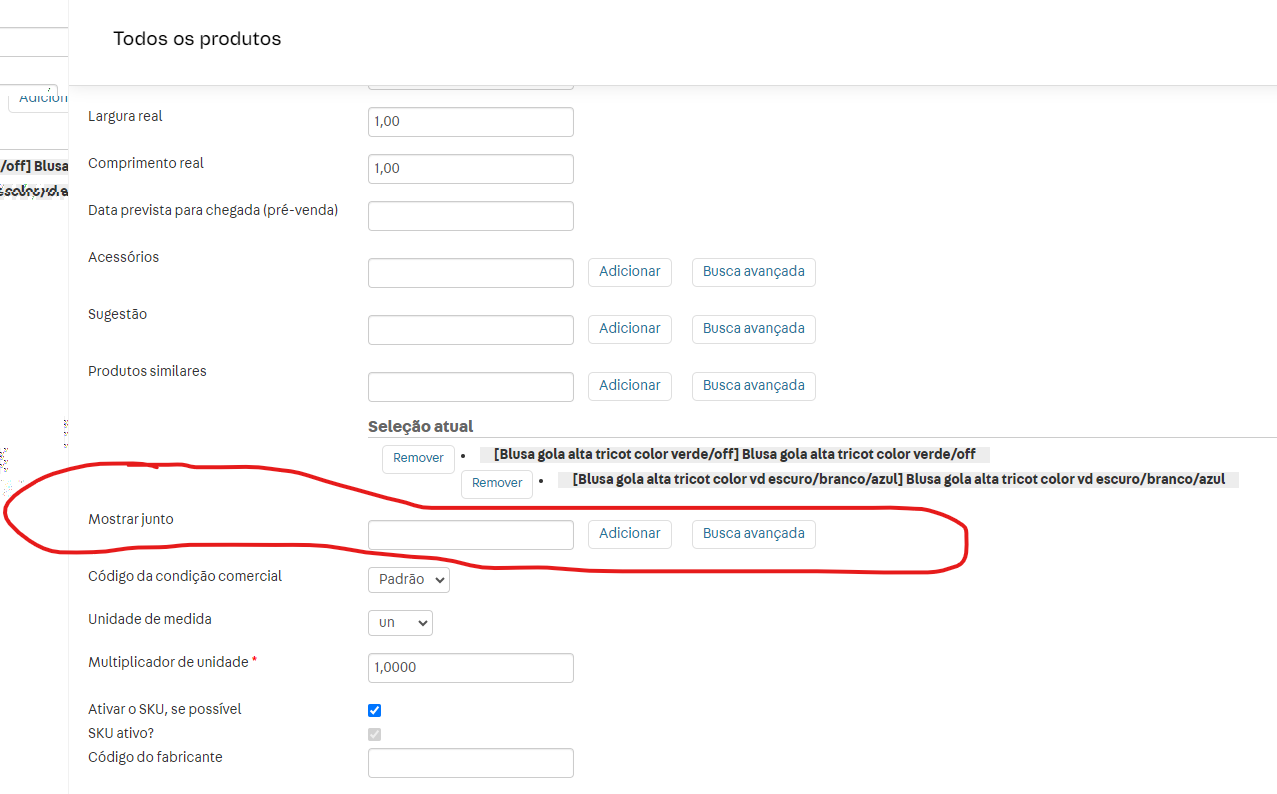
like I’d like it so that when I’m on a certain product, it shows me some other products associated with it below, like a look
Thank you
Hello Janilton, how are you?
For this type of situation, a few things need to be added to the code. It depends on which technology your store is using: whether it’s Store Framework (VTEX IO) or Legacy CMS (Portal).
In short, for Legacy CMS it’s <vtex.cmc:BuyTogether/> and in VTEX IO you can use an App.
I hope that helps.
Hey @ImediataDesign1 good morning, how are you?
so we use the Legacy CMS, do you know if we need to have a layout, or if just activating it in VTEX will make it show up on the site?
Thank you.
Hey @Janilton, how’s it going?
Some time ago, @georgebrindeiro posted a step-by-step guide in the community that might help you out:
And perhaps the only additional comment worth mentioning is what @raphael.correa.b points out in another post, warning that there may be a cache delay between enabling the control in the HTML template and the control actually appearing on screen.
Good morning,
Ok @andremiani I’ll run the test here,
Thank you very much!
good morning @andremiani
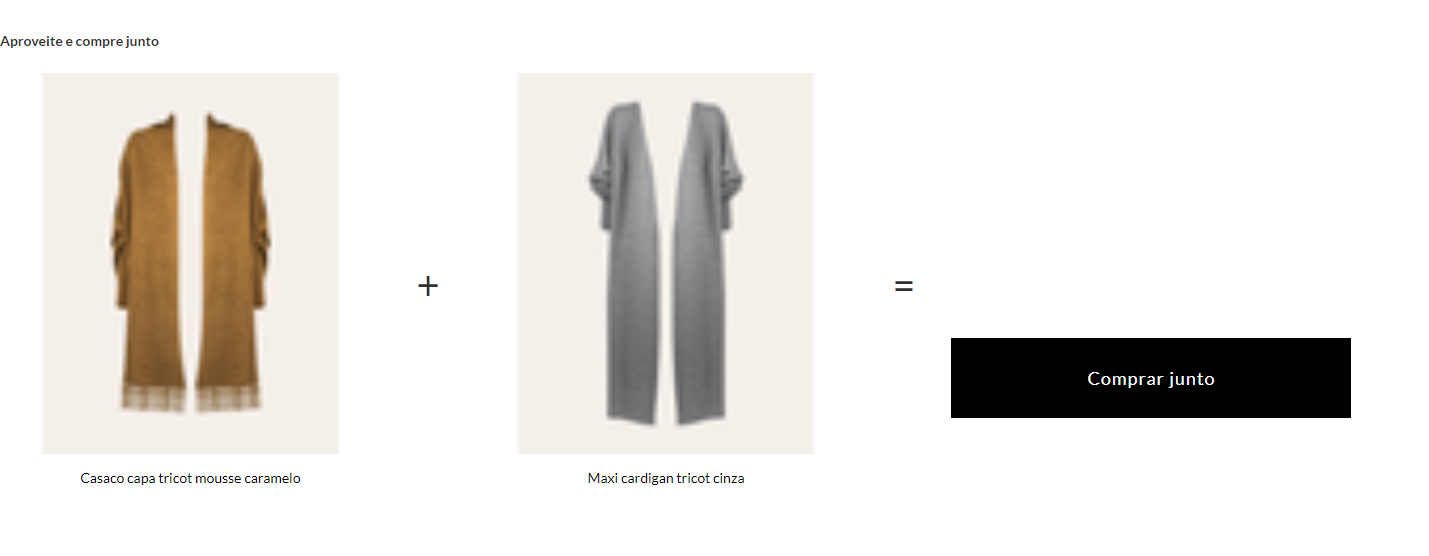
it worked, but it appears like this for me, does anyone know where I configure it, to for example add a button, and the images also appear blurry, does anyone know how to fix it?
Thank you.
Hello @Janilton, good morning, glad it loaded.
Regarding the blurry image, I would guess that the size/ratio of the default image registered in the store’s File Type configuration is smaller than the size/ratio used by this storefront. Take a look at this FAQ related to issues with thumb image quality. I think it’s analogous.
File Type Configuration link:
https://{{accountName}}.myvtex.com/admin/Site/TipoArquivo.aspx
Regarding any changes to the HTML code generated by any of the Template Controls available for VTEX Legacy projects, you can do it by registering an event listener that will run the code to make the necessary changes to the loaded HTML.
<script type="text/javascript">
  document.addEventListener("DOMContentLoaded", function(event) {
      /*
        - Code to execute when only the HTML document is loaded.
        - This doesn't wait for stylesheets,
          images, and subframes to finish loading.
      */
  });
</script>