This topic aims to foster knowledge in our community, mainly regarding the use of reCAPTCHA in Checkout and to provide a simple and easy way to check if your VTEX store is using v3 of this tool.
First of all, it’s worth noting that this tutorial will be based on a tool called DevTools.
What is DevTools?
Chrome DevTools is a set of web developer tools built directly into the Google Chrome browser. These tools allow you to inspect the rendered HTML (DOM) and network activity of your pages.
How do I check if my store has reCAPTCHA v3 using this tool?
To check if your store is using v3 of this tool, simply go to the following URL:
https://www.{{host}}.com.br/checkout
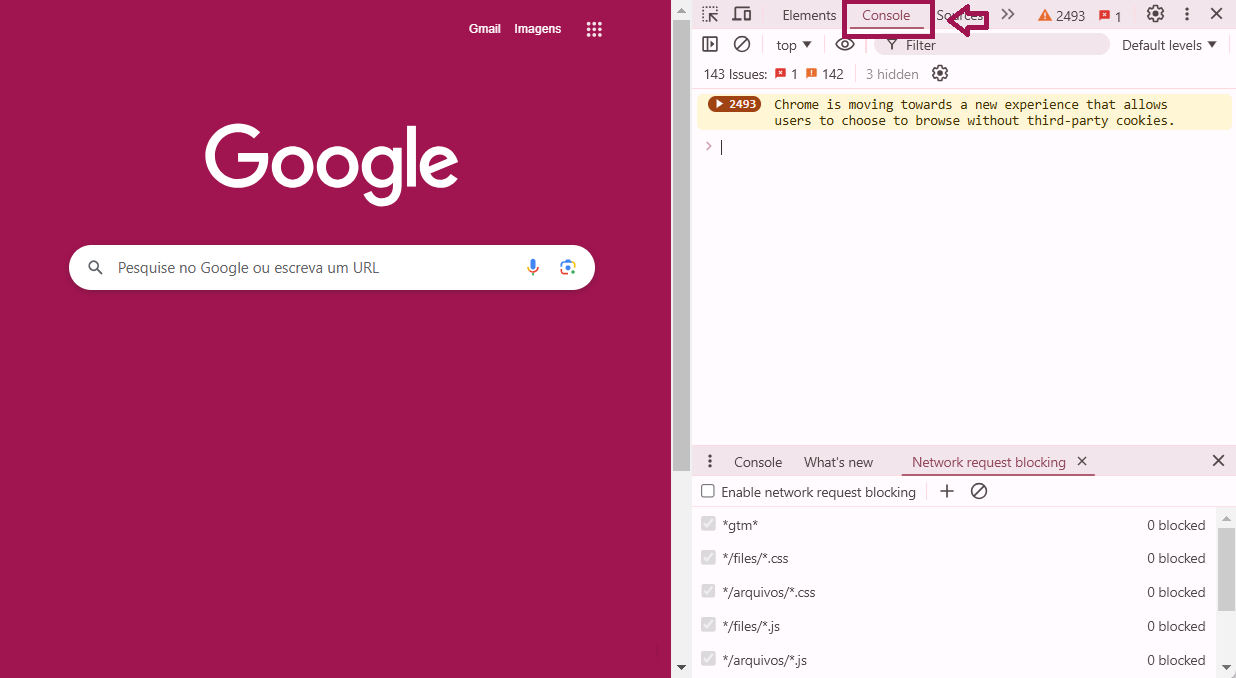
After that, you’ll need to open DevTools. To do so, right-click on the page and select Inspect. Another option is to press Command + Option + C (Mac) or Control + Shift + C (Windows, Linux, Chrome OS).

Select the “Console” tab:
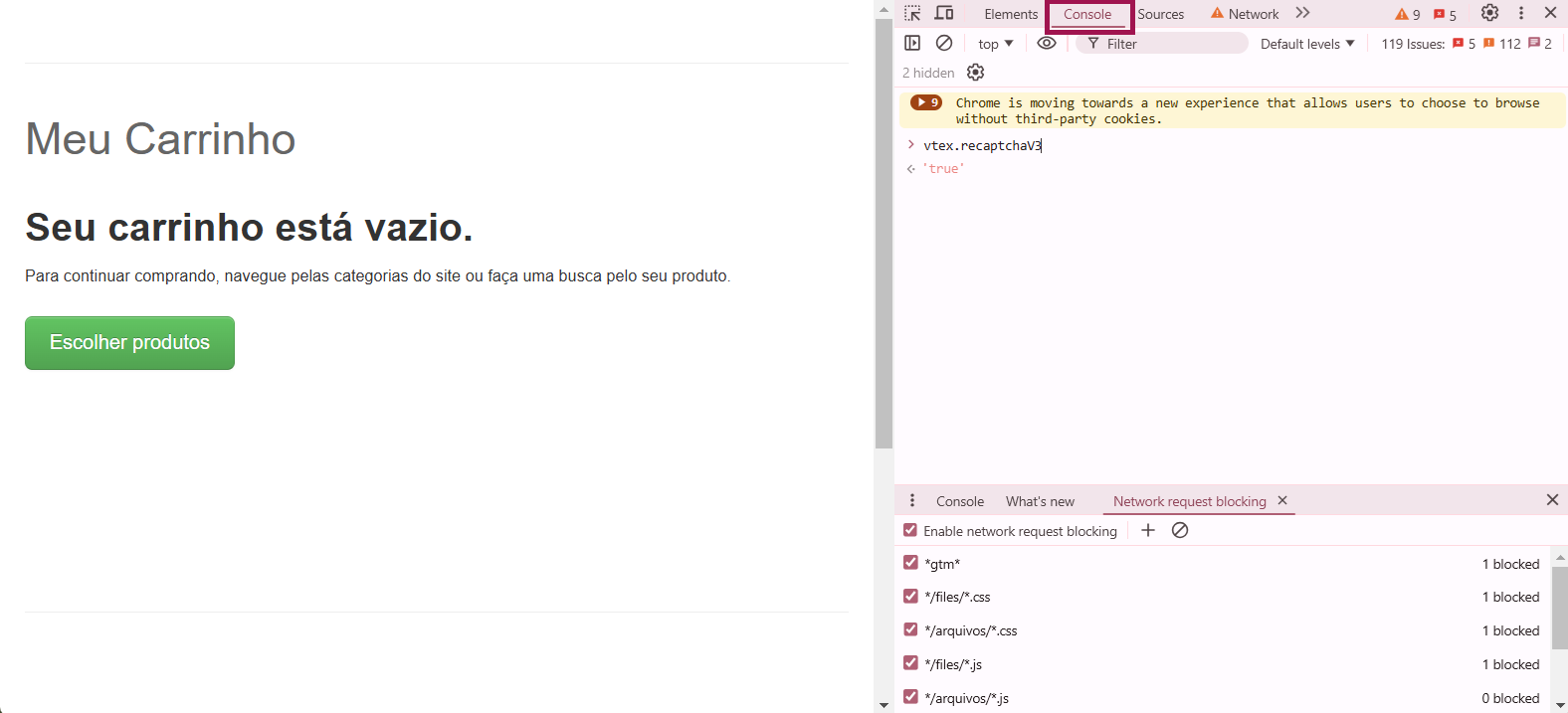
Then enter the command “vtex.recaptchaV3” in the console. If this command returns “true”, it means reCAPTCHA v3 is running correctly in the checkout UI.
If you still have any questions about this topic, feel free to ask here! 
Karina Mota
Partner Field Software Engineer | VTEX