The Google Shopping error Insertion error: Ineligible SKU is related to these three factors: price, image, and stock:
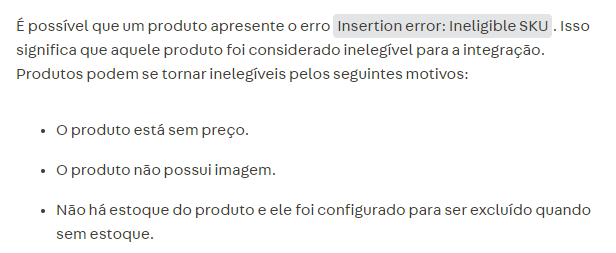
In our Help article you can find more information about this scenario:
Remember that it is important to check whether the SKU is associated with the trade policy used in Google Shopping:
- Marketplace > Connections > Marketplaces and integrations > Google Shopping > Edit

- Store Settings > Storefront > Trade Policies
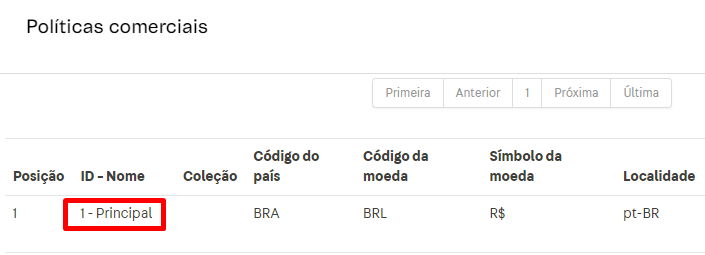
- Catalog > All products > Edit

Therefore, to fix the error for the SKU(s), you need to verify that they have a price, image, stock, and trade policy selected so that the integration works correctly.
Afterward, it is recommended to perform a base reindexing.