Why is my store having issues with the initial dashboard in the admin panel, with all data showing errors?
This post aims to share knowledge within the VTEX community and provide a solution for a common scenario in our stores.
When accessing the admin panel, some stores may experience the following situation:
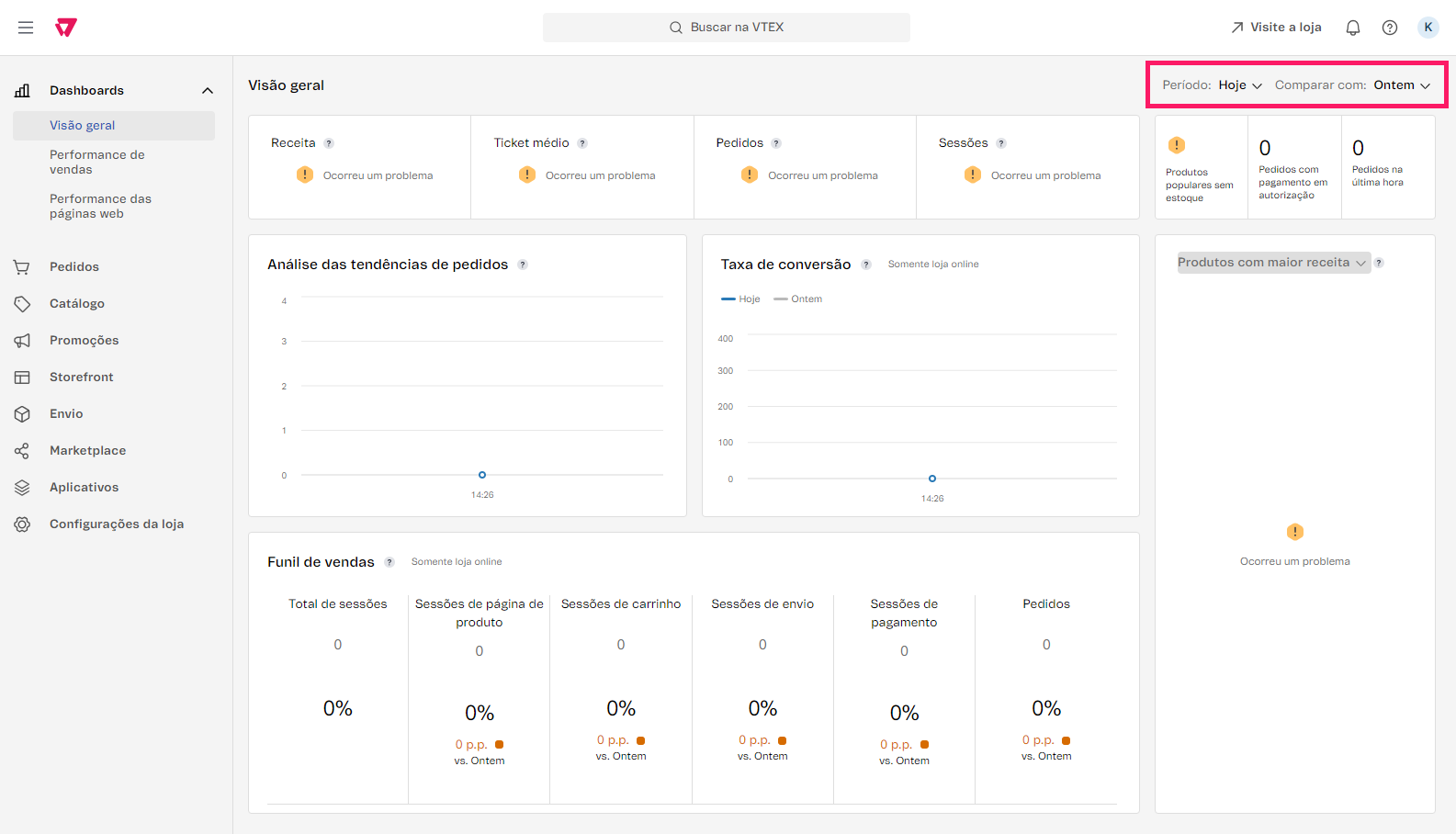
First of all, it’s important to highlight that there is a delay in updating information on the dashboard. Our documentation includes an article that covers this topic:
In addition, this scenario usually occurs for three reasons:
- There need to be orders that “justify” the use of comparisons in the Dashboard — in this case, adjusting the time period in the upper right corner is usually enough to solve the problem;
- As mentioned earlier, there is a delay before the information is updated and can be used for comparison.
- The user needs to have the appropriate access profile to view this information. For more details about our access profiles, you can check our documentation:
Karina Mota
Field Software Engineer | VTEX