Good afternoon,
We have our e-commerce running perfectly integrated with Intelipost, however a new integration need has come up with conectalá to make our products available on the Privalia marketplace.
The integration is working perfectly for products and prices, but it’s having trouble integrating order tracking.
After contacting conectalá, they informed us that the carrier name information is missing.
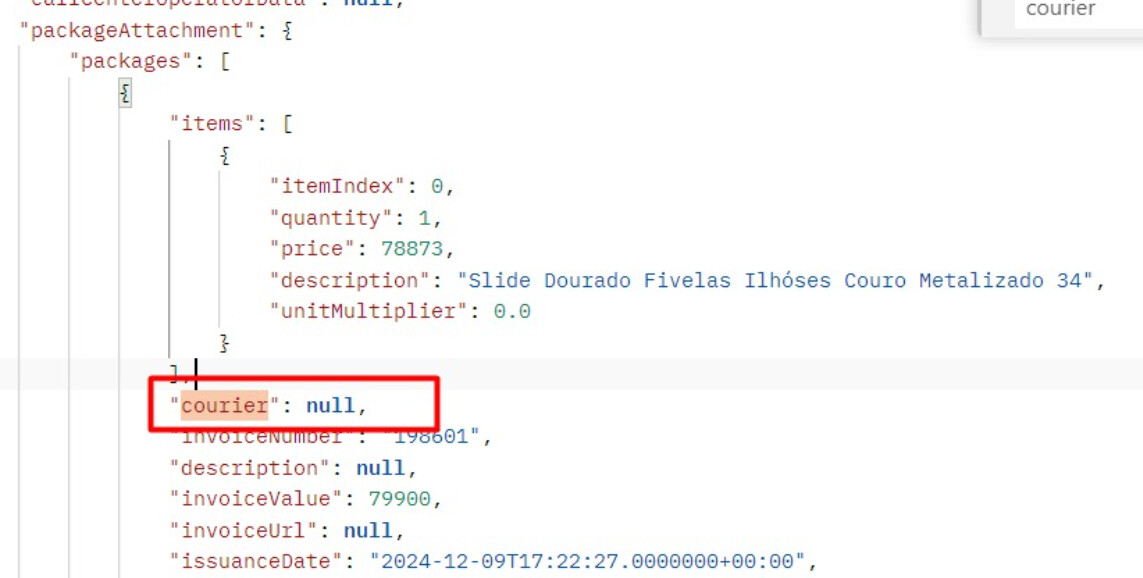
In the Orders JSON, this information is indeed not present. How can I make it appear?
Good afternoon @andre.moreira, how are you?
Which Endpoint are you using exactly?
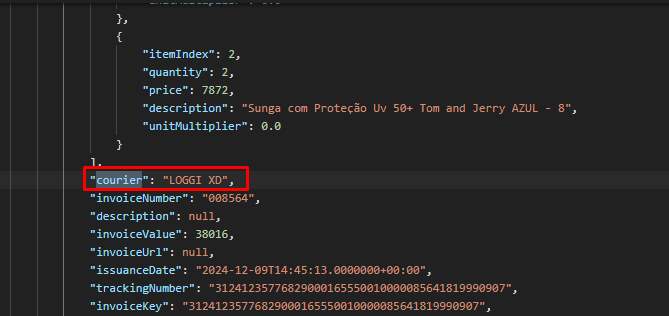
Here for example I’m using the Get Order and it’s returning the courier correctly
Has the order you’re trying to look up in this API already had its shipping data processed on the platform? If you can provide more context, we might be able to give you better help.
Best regards!
Yes, I’m using Get Orders. We currently use Intelipost to track several carriers that have their tables registered in the shipping policies and are linked to Intelipost through the VTEX ID.
Intelipost informed us that they don’t use this information for tracking — only the order number and URL.
However, for this new integration with Conecta la… we would need the carrier name, which in my case would also be LOGGI". In VTEX/Intelipost it’s already showing as delivered.
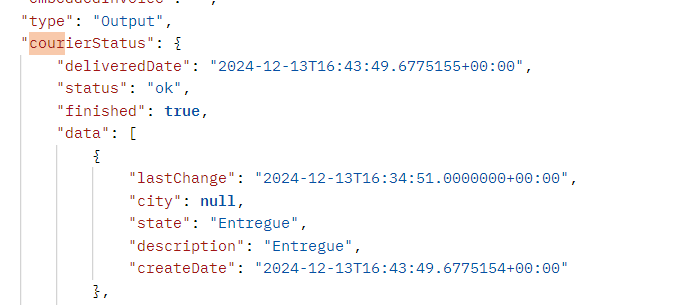
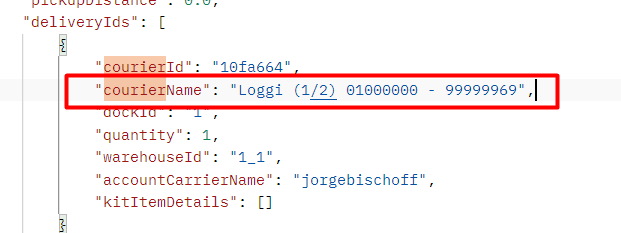
And in another part of the JSON it does display the carrier name.
But in the JSON field we need, it’s not showing up.
Hey @andre.moreira, I think I know what’s going on!
Basically, the carrier information for an order can be found in two distinct arrays in the Get order endpoint, inside logisticsInfo:

and inside the invoice information sent via the Order invoice notification API:
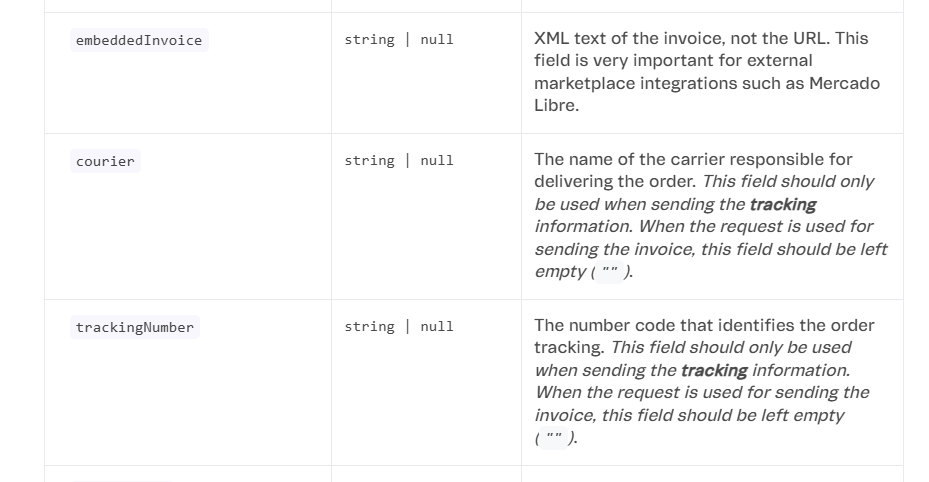
However, for this information to be available in the Get Order API, it needs to have been correctly sent along with the invoice. So my suggestion would be to take a look at how the invoice information is being sent to VTEX and check whether the courier field is being properly filled in.
Karina Mota
Partner Field Software Engineer | VTEX
@KarinaMota and @nat thank you for your help. I’ll get in touch with those responsible for our ERP integration to see if this information is being passed through, and as soon as I hear back, I’ll let you know here.
@KarinaMota always saving the day and nailing the analyses and responses! 

Good morning!!! I’ve passed the case to the ERP team to fix it in our integration. In the meantime, I’m trying to do it manually using the endpoint: Update order’s partial invoice (send tracking number)
However, I’m getting the following response:
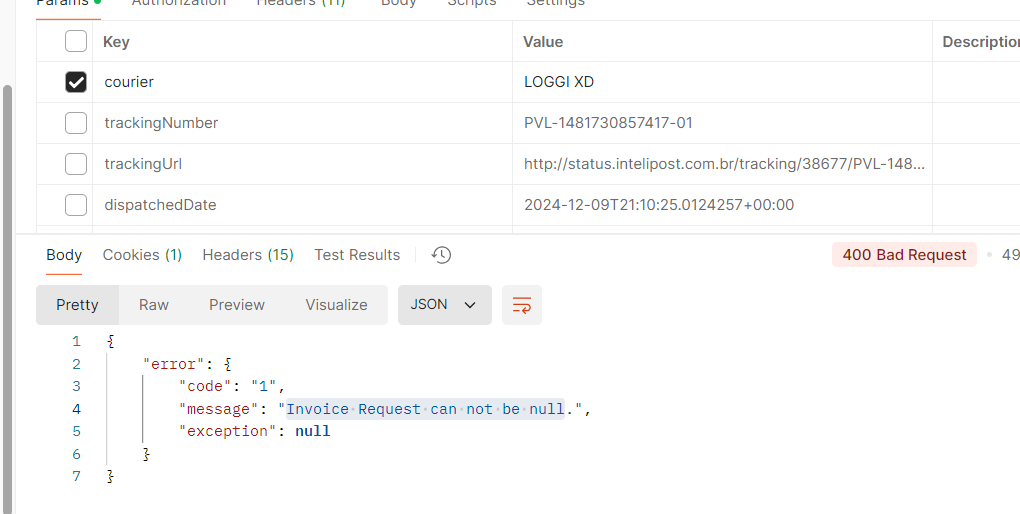
Guys… I was sending it as a parameter but it needs to go in the Body… it worked now!!! thanks so much for the help @nat and @KarinaMota !!!