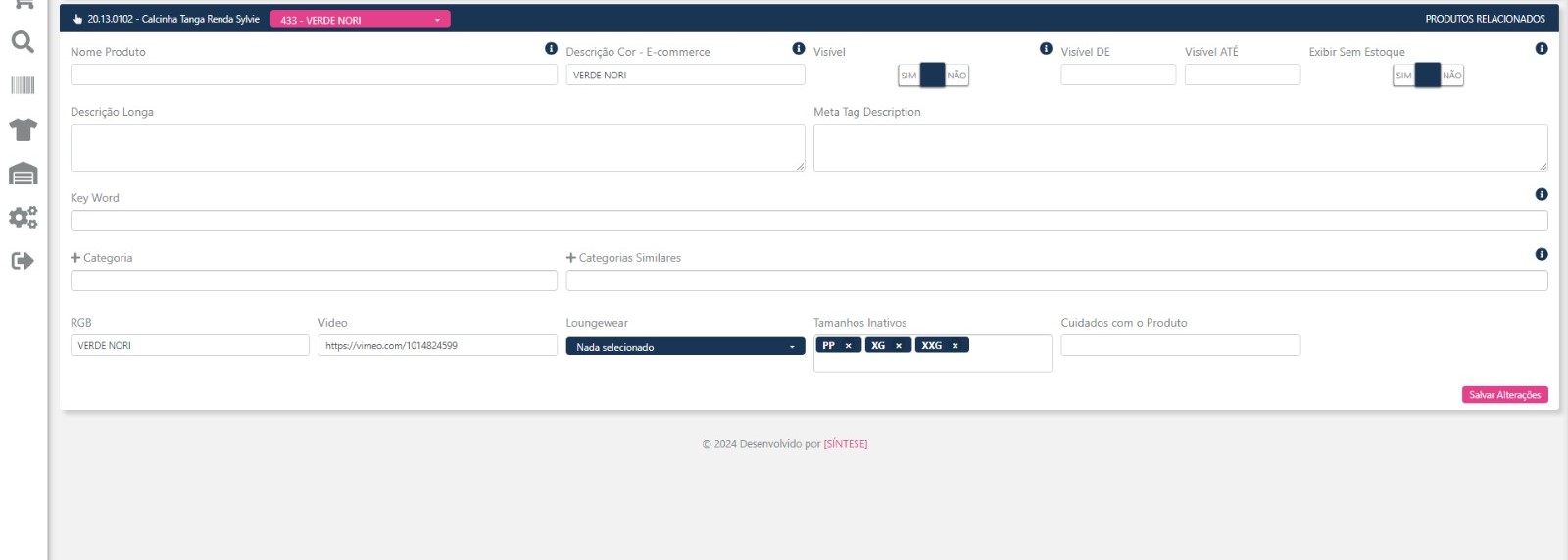
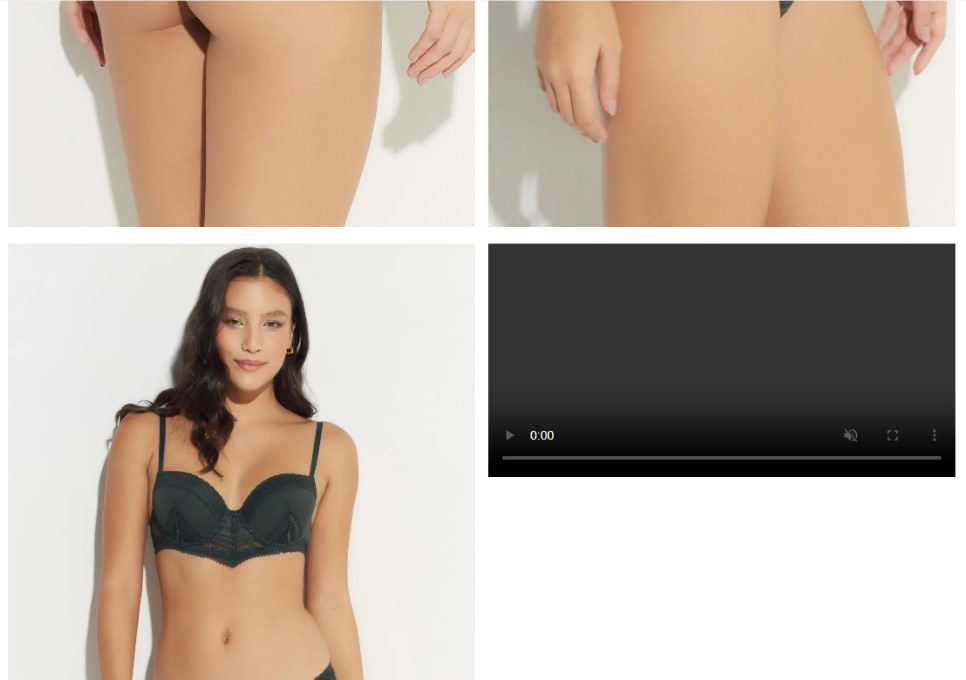
@henrique98 How’s it going?
You can check a few steps:
1. Integration Compatibility
Vimeo video integration may work differently from Amazon. Check whether the way Vimeo generates and shares links is compatible with your store’s front-end. Amazon may have provided direct URLs or specific players that VTEX recognized automatically. Vimeo might require adjustments to the embed code or some additional scripts to work.
Possible solution: Test different Vimeo video URL formats (embed, direct links) to see if any works better where you’re trying to place it.
2. Vimeo Privacy Settings
It’s possible that the video’s privacy settings on Vimeo are blocking playback. If the videos are configured to be visible only on certain platforms or domains, this may prevent them from being displayed on the PDP.
Possible solution: In Vimeo, check the privacy settings and allow the video to be displayed anywhere (or at least on your store’s domain).
To learn more, see Video privacy settings overview
3. Player Verification
The player may be getting embedded but not fully loaded due to missing scripts or specific settings.
Solution: Check the Vimeo player embed code. Try using the embed code generated directly by Vimeo instead of just the video link. This may fix the issue of the player not working correctly.
4. Local Testing and Console
Use the browser console to check for any script or CORS (Cross-Origin Resource Sharing) errors. Any security policy issue or JavaScript error can prevent the video from loading correctly.
Possible solution: Open the developer console (usually by pressing F12 in your browser) and see if there are any errors related to the player or video loading.
5. Missing Dependencies and Scripts
Vimeo requires certain scripts to be included for its player to work correctly on the front-end. Check whether your code is calling the necessary JavaScript to load and display the Vimeo video on the PDP.
Possible solution: Make sure the Vimeo player script is being loaded correctly, something like this:
<script src="https://player.vimeo.com/api/player.js"></script>
In summary:
- Test different Vimeo links (embed or direct).
- Adjust the privacy settings in Vimeo to allow display on any domain.
- Use the Vimeo embed code generated directly by the platform, instead of plain links.
- Check the developer console for any possible errors.
- Include the Vimeo player script if necessary.
I hope these steps can help you find the root of the problem.
If it works, mark it as a solution to support others in the community.
Cheers,
Estevão.