Good afternoon everyone, I’d like to see if anyone knows about this behavior in filter-navigator.v3
It’s currently configured like this:
"filter-navigator.v3": {
    "blocks": ["sidebar-close-button"],
    "props": {
      "initiallyCollapsed": true,
      "openFiltersMode": "one",
      "closeOnOutsideClick": true,
      "showClearAllFiltersOnDesktop": true,
      "blockClass": "search-result"
    }
  },
Currently in the store, the scroll bar for the filter options appears before the page fully loads, when ideally nothing should appear until the user clicks on the filter.
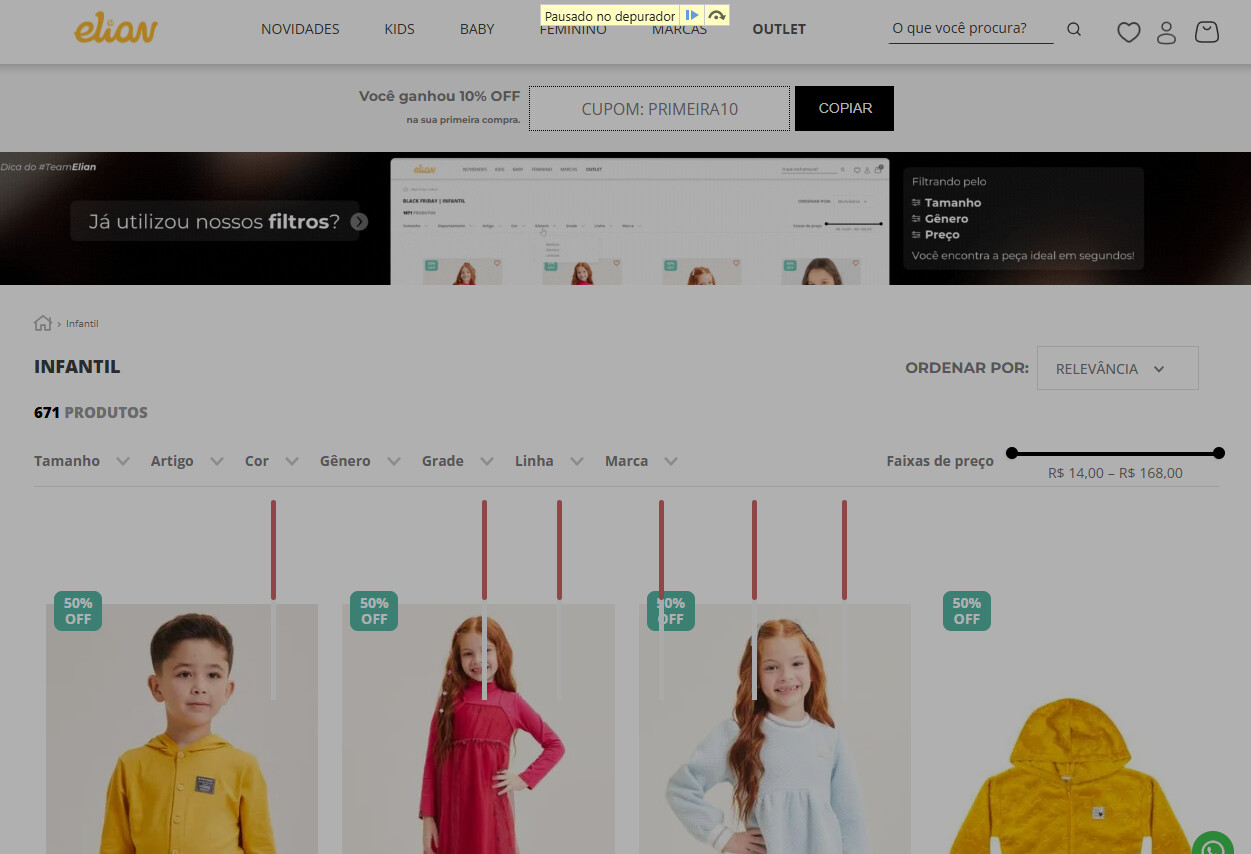
I noticed while using the debugger that when the page loads, this div initially has a height of 400px and then goes to 0 when the page finishes loading.
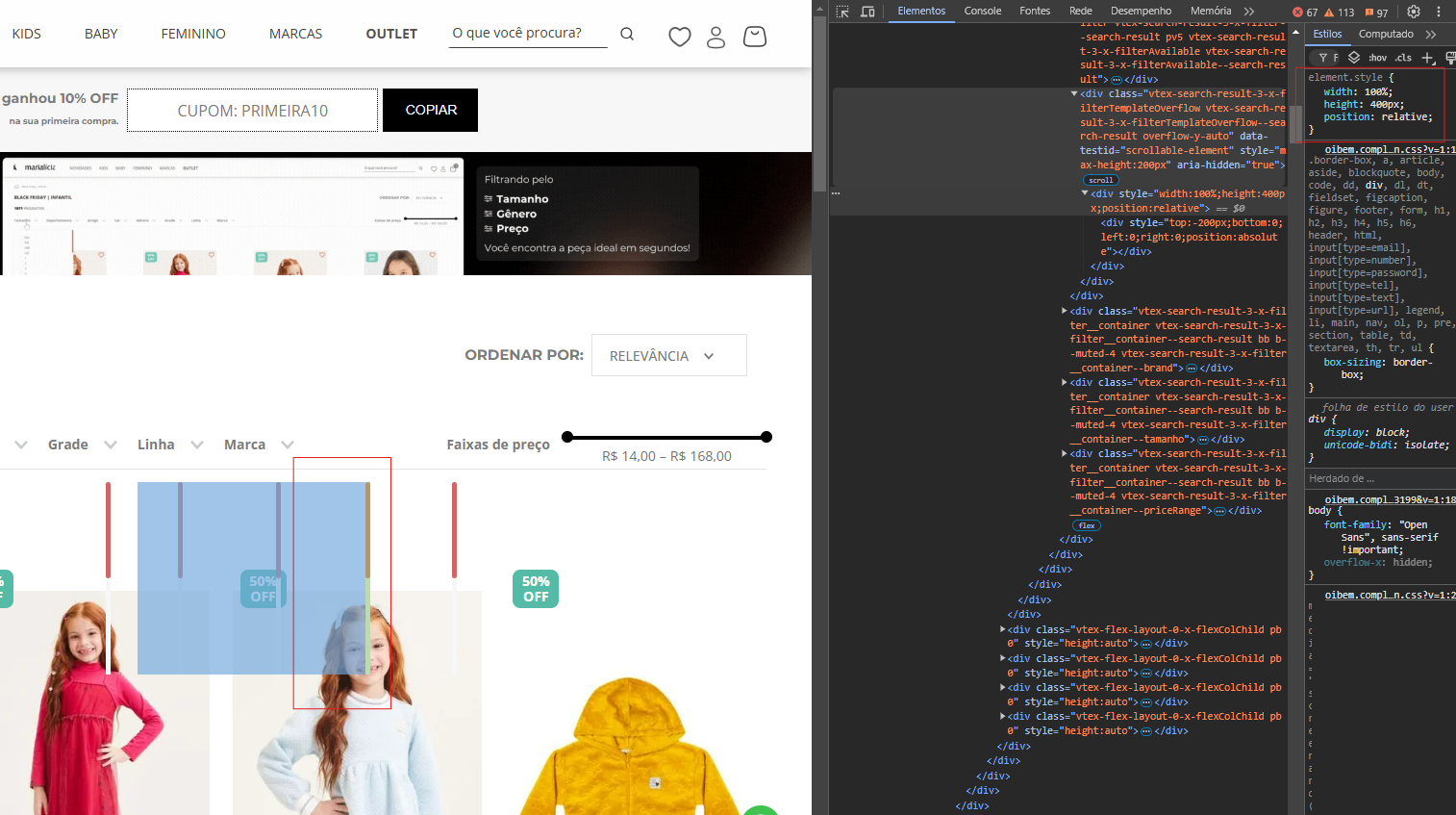
With the page fully loaded:
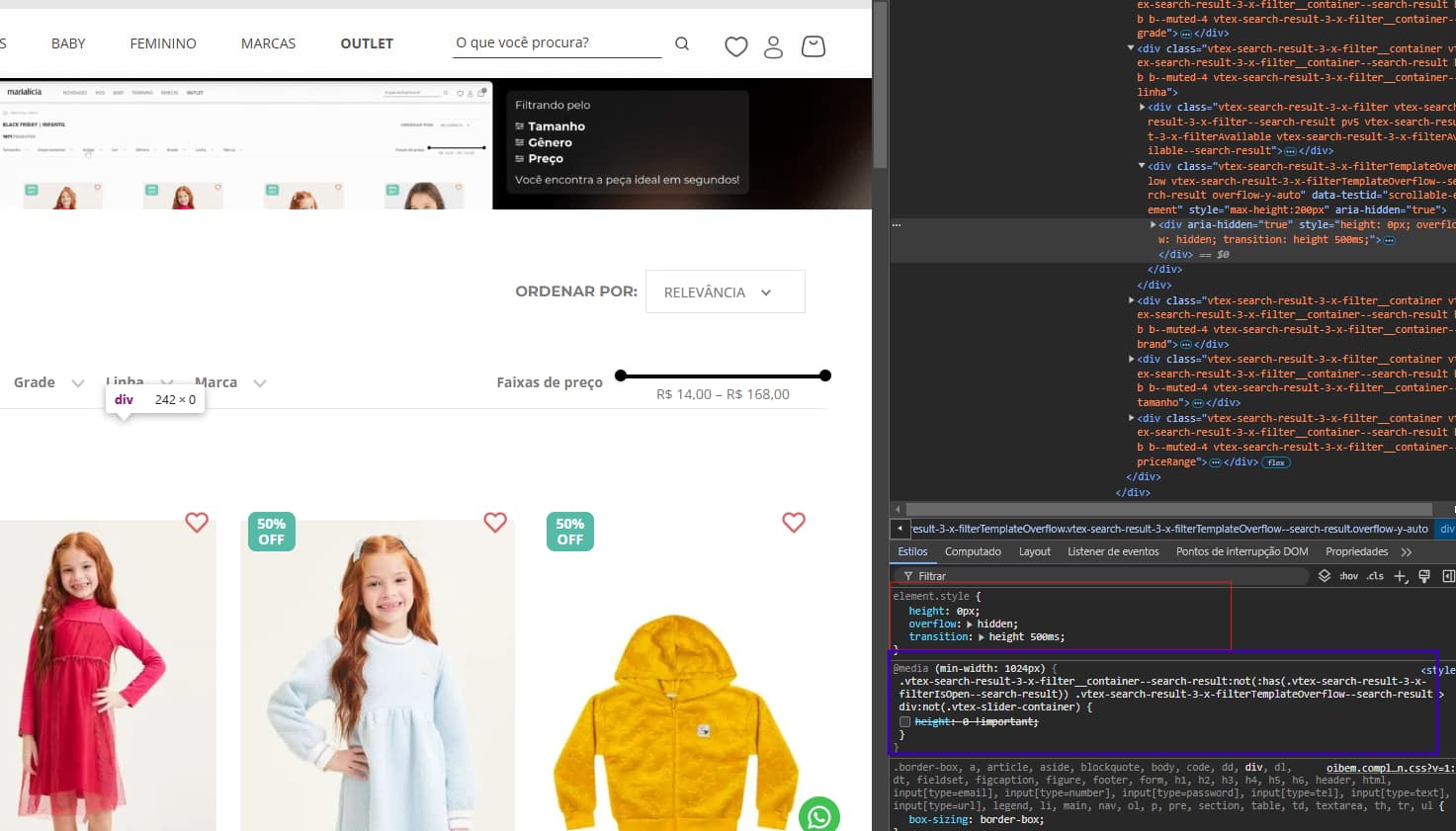
I also tried overriding this with CSS in the highlighted blue section using the vtex.my-account.css file, but on the deploy workspace the CSS file only loads afterwards, causing the same problem.
That’s why I’m coming here to see if anyone has any idea what could be done — I’m completely out of ideas at this point.
Thanks in advance,
Cristiano.