Hey @Yeisy!
First of all, thank you for bringing your topic to our community!
Let’s dive in… Registering digital products is set up the same way as a physical product, but with one key difference: the association of a specific “shipping strategy” for digital products.
So, the usual approach is to set up a specific strategy for “shipping” digital products, which includes:
- Registering a shipping policy (carrier)
- Registering a dock (linking your dock to the carrier/shipping policy and a trade policy)
- Registering a warehouse (linking the warehouse to a dock)
The big difference lies in how this strategy is configured. When registering a carrier, or shipping policy specifically for digital products, you’ll simply need to set it up to cover ZIP codes from 00000-000 to 99999-999 (if you want to cover delivery across the entire country), with a weight range from 00000 to 0.010 grams (these negligible values ensure this carrier will only handle digital products), and a zeroed-out shipping cost. To help with the “digital shipping” setup process, here’s a link so you can understand each field that needs to be filled in according to this scenario. That said, if it makes sense for the business strategy you want to adopt, you can also restrict the ZIP code range to a narrower coverage (with a specific ZIP code interval).
Additionally, I think it would be a good idea to prevent the zero-cost shipping option from appearing at checkout for customers visiting your store, since this is a digital product that doesn’t go through a traditional delivery process. Also, since VTEX treats it as a “normal” product registration, the emails that will be triggered will be standard platform emails, so your agency or some other external service will need to handle the delivery of this product. I imagine this would be a download link for the customer.
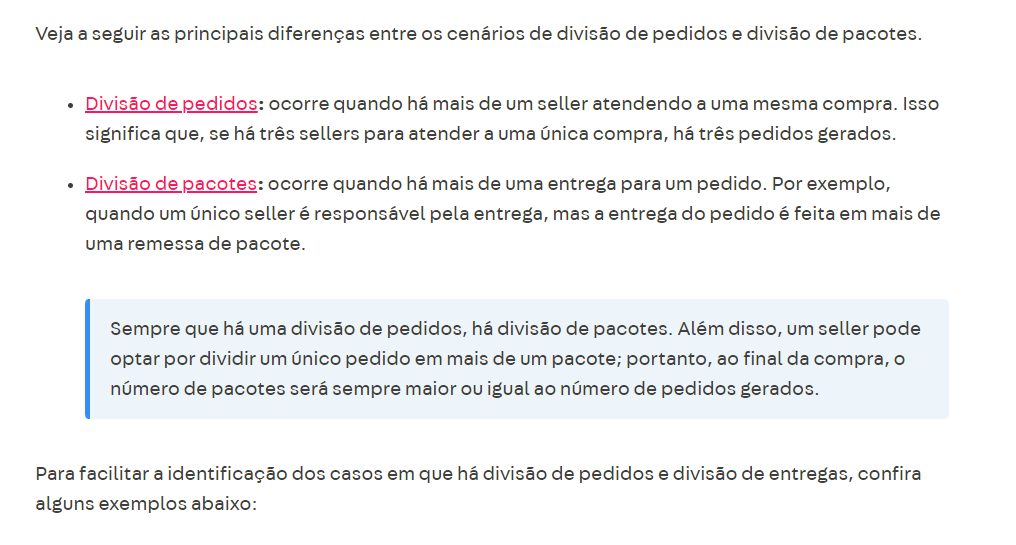
As for the Split options:
If you register a dedicated Shipping Policy, a package split will occur. But if that solution doesn’t work for you, there’s also the option of registering physical products through a Seller Portal, which will generate an order split — however, with this option, physical products wouldn’t be able to be sent to Marketplaces, if that makes sense.
If you also want to send those products to Marketplaces, a possible workaround would be to have two digital products: one coming from the seller (for the order split) and one in the main account’s catalog (exclusively for integrations and without the flag to show in your store).
Do these solutions work for you? If not, could you give me more details about what incompatibilities you’ve been running into at checkout?