Good afternoon, everyone.
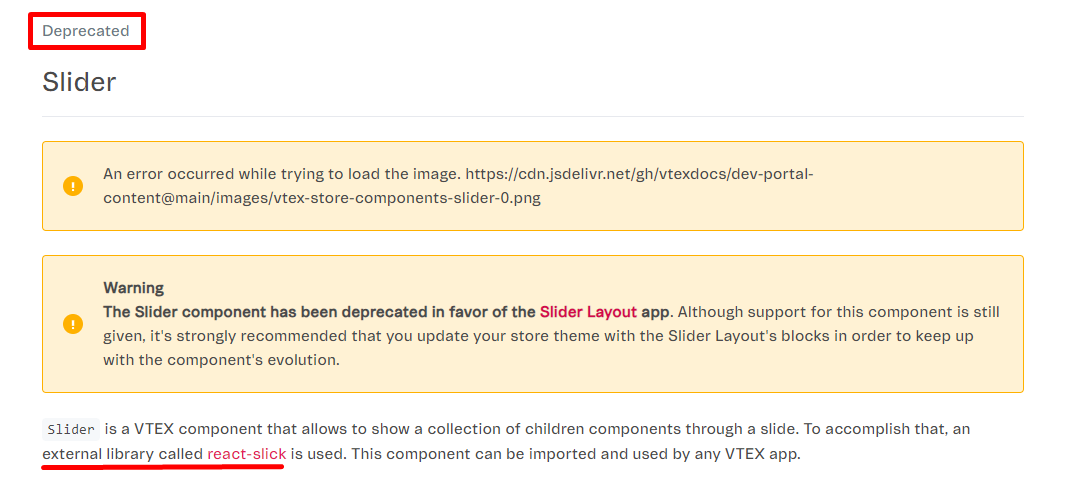
Following the documentation, I created an app that includes a React Slick, but to style it, we’ve only been able to do so using Styled Components.
Can anyone help understand why it won’t work the way shown below?
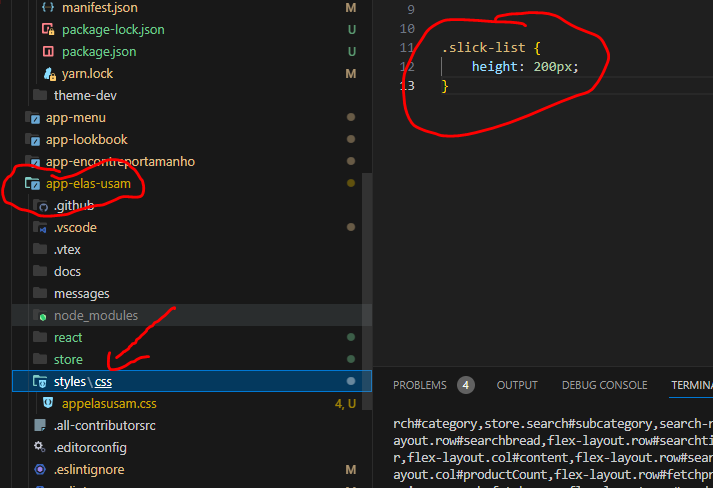
Here’s the app creation:
Here’s the call in the store theme:
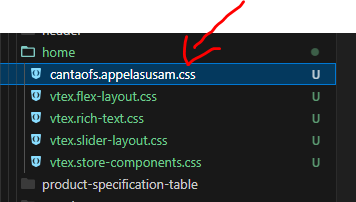
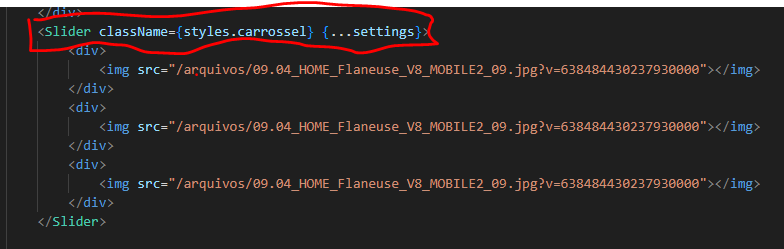
In this test call, I can only style the slider itself, since it’s using a componentized style, but the elements below it, like the slick track, are not affected by the style.
I noticed that it generates the CSS with the class cantaofs-appelasusam-0-x-slick-list, but the component’s slick-list doesn’t receive the .cantaofs-appelasusam-0-x-slick-list class, which is why it doesn’t get styled.
I’ve already looked into ways to ignore the CSS file so it doesn’t get included in the handles build, but I couldn’t get anything to work.